An in-person AI host
who never takes a break
She has read every page of your website: classes, prices, opening hours, directions. From opening to closing she stands at your entrance and answers every guest in Chinese, English, Japanese or Korean. No shifts, no sick days, no fatigue.
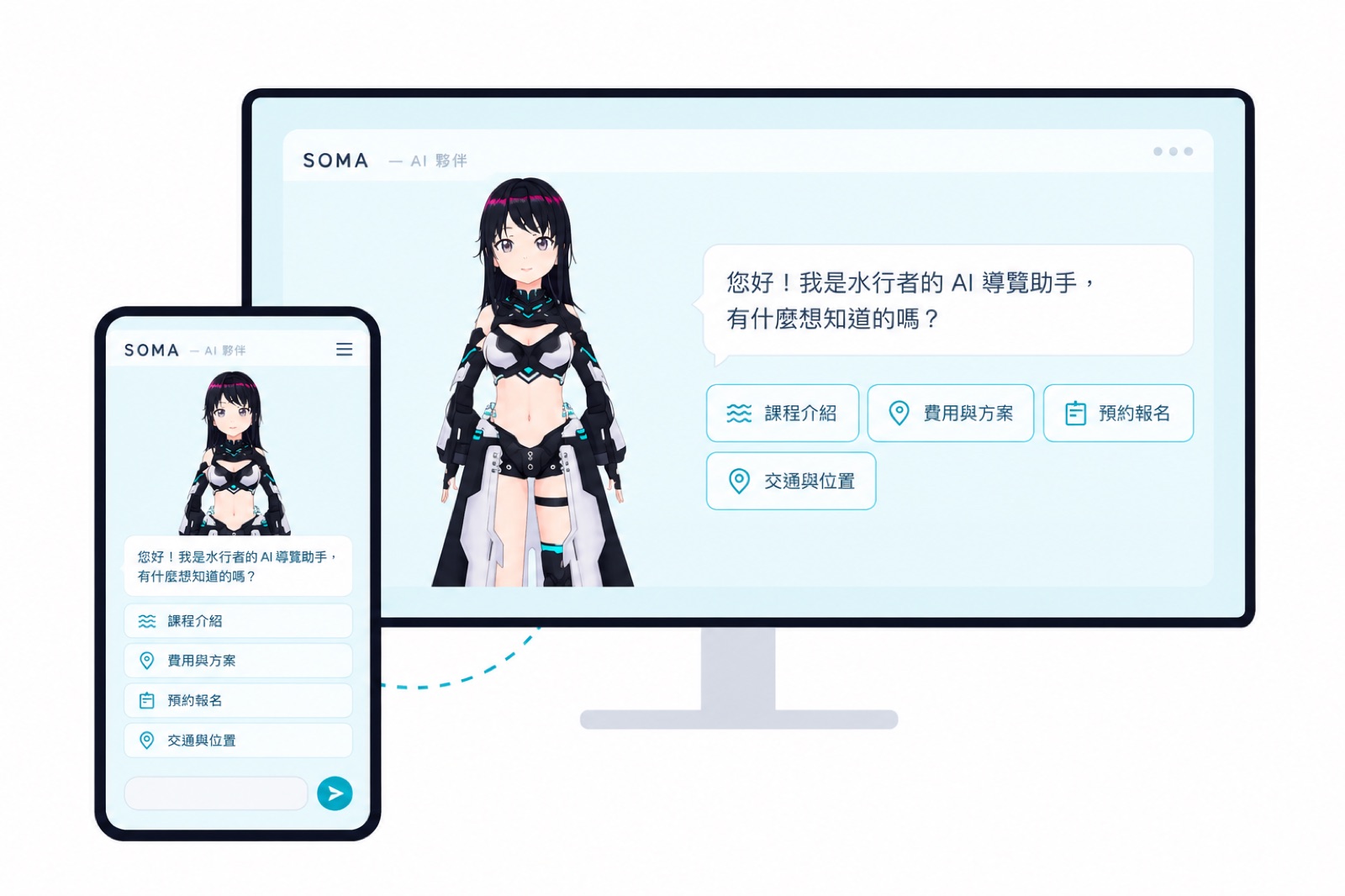
An employee who never rests
Hand her the 20 questions your front desk hears every day
She isn't here to replace your staff. She takes over the repetitive questions so your team can focus on payments, service, and the moments that need a person.
Features
Not a chat box on a website — a host standing in your venue
Answers only from your information
Her knowledge base is built from your website, and prices, times and addresses are quoted as written. When she doesn't know, she asks guests to check with staff instead of making something up.
Four languages
Foreign visitors tap a language button and she answers in their language, read aloud in a natural voice.
A 3D character that talks and moves
Lip-synced speech, expressions that follow the conversation, waves and bows. Choose from 8 characters, or have one designed for your brand.
iPad plus a large screen
Guests speak or type on the iPad; the large screen shows the character and her answer, so the queue and passers-by can see too.
Update it yourself
Change a price or an event in the back office and the next guest hears the new answer. Every month you get a usage report and a list of questions she couldn't answer.
Rent or buy — we replace faulty units
It runs on a regular iPad and TV, no costly custom cabinet. On a rental plan we replace any unit that fails.
Who it's for
Anywhere with foot traffic and the same questions over and over
A good fit if two of these apply: you get the same questions every day, you see foreign visitors, people walk past your entrance, or you're short-handed at peak times.
Businesses
- Activity and sports venuesWater sports, climbing gyms, fitness studios, classes
- Hotels, guesthouses, hot-spring resortsLobby welcome, facilities, nearby attractions
- Department stores, malls, shopping centersFloor guides, brand picks, seasonal events
- Attractions, theme parks, museums, exhibitionsPark guides, exhibit introductions, wayfinding
- Retail stores and chainsProducts, promotions, membership
- Clinics, schools and service countersSign-ups, booking steps, common questions
- Visitor centers, stations, public service pointsTransport, routes, procedures
What she can answer
- Opening hours, closures, bookings
- Prices, plans, promotions
- Floors, locations, routes, facilities
- Transport, parking, nearby spots
- Classes, products, services
- Events and latest news
- Sign-up, meeting times, what to bring
- Cancellation rules and FAQs
- Your brand story
- Handing off to a person at the desk or on LINE
If it can be written down, it can become her answer. We compile it from your website automatically, then fill in what the website leaves out.
Where it works
Place her where people pass, and let guests ask
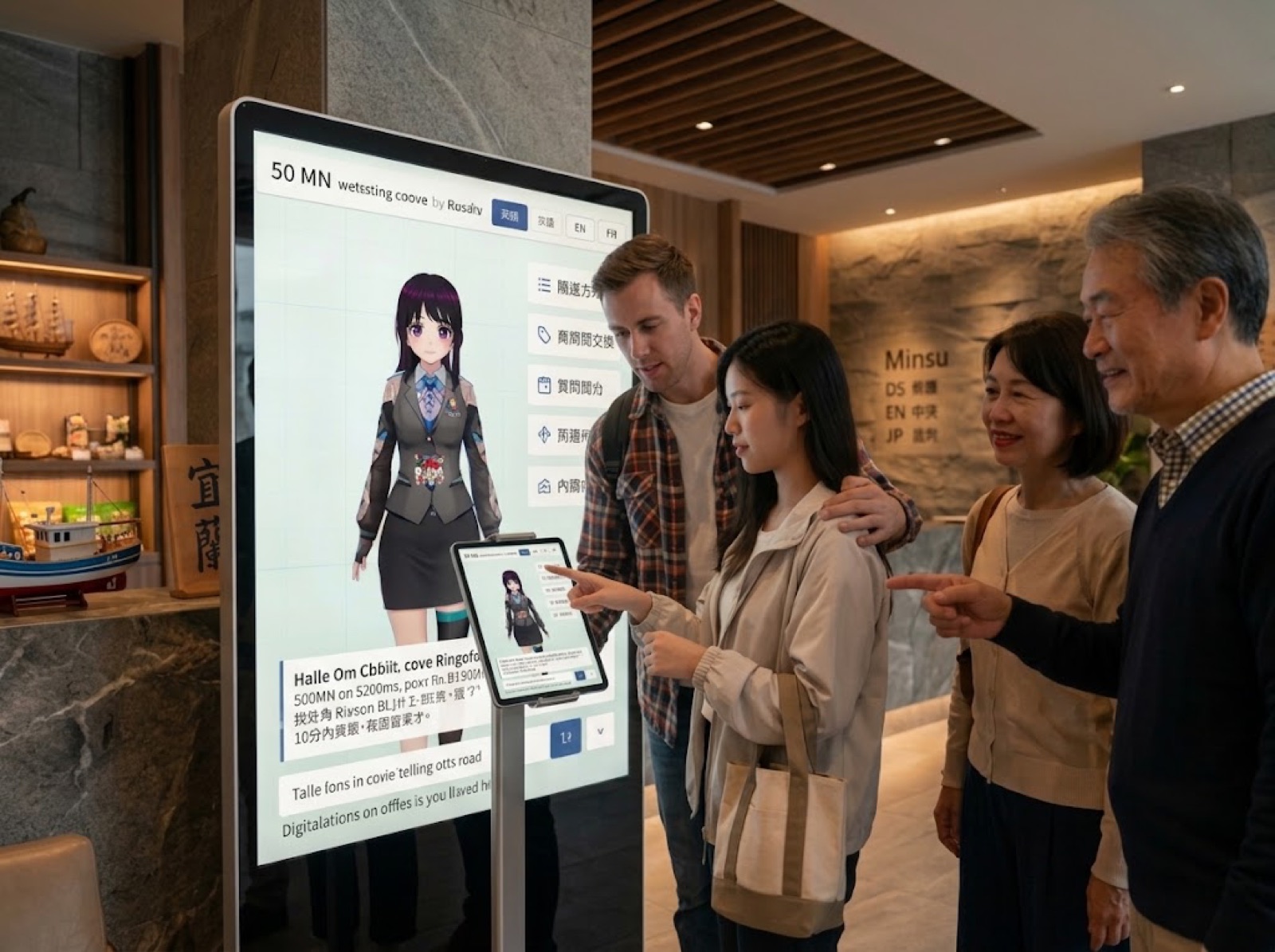
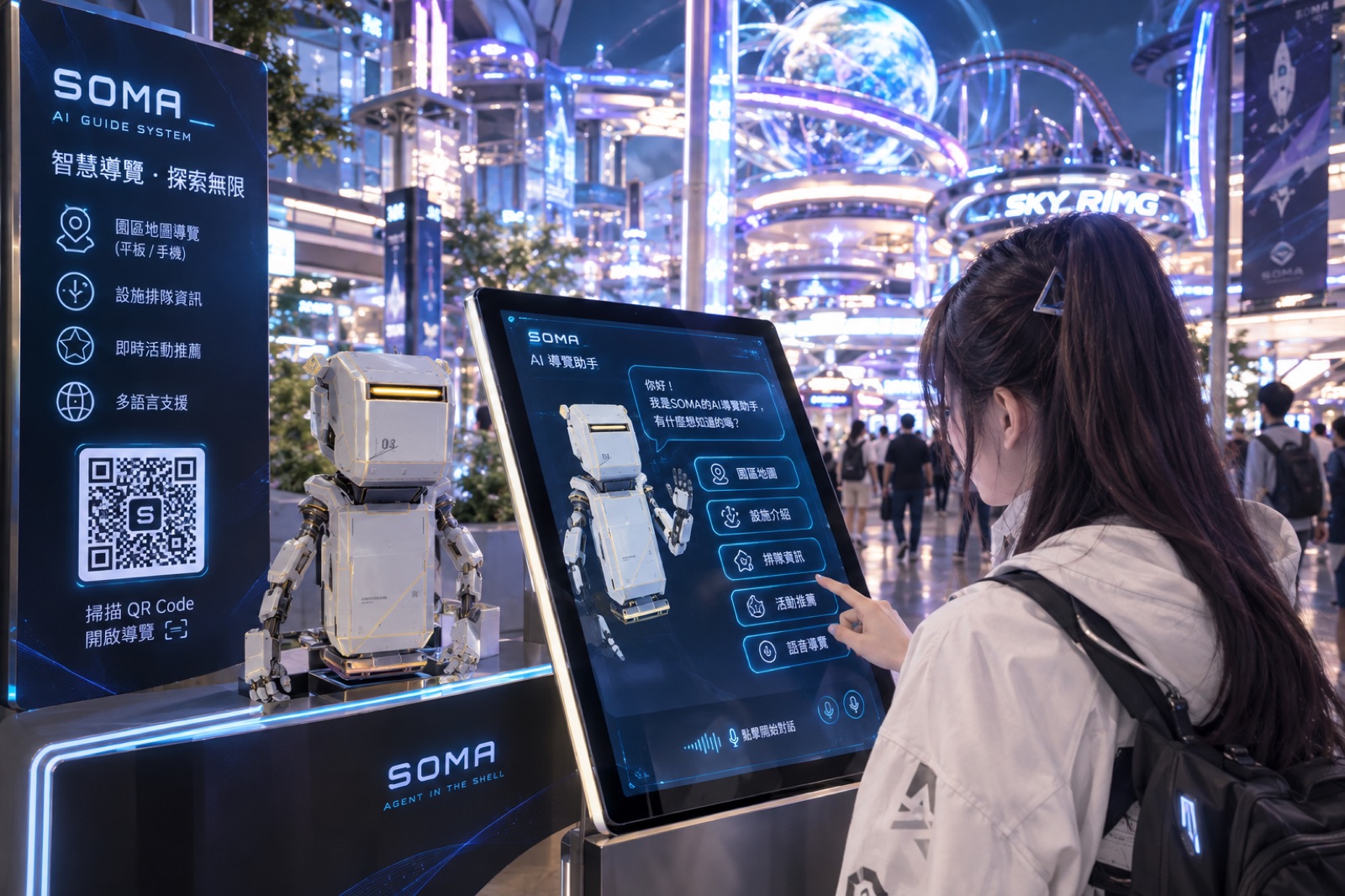
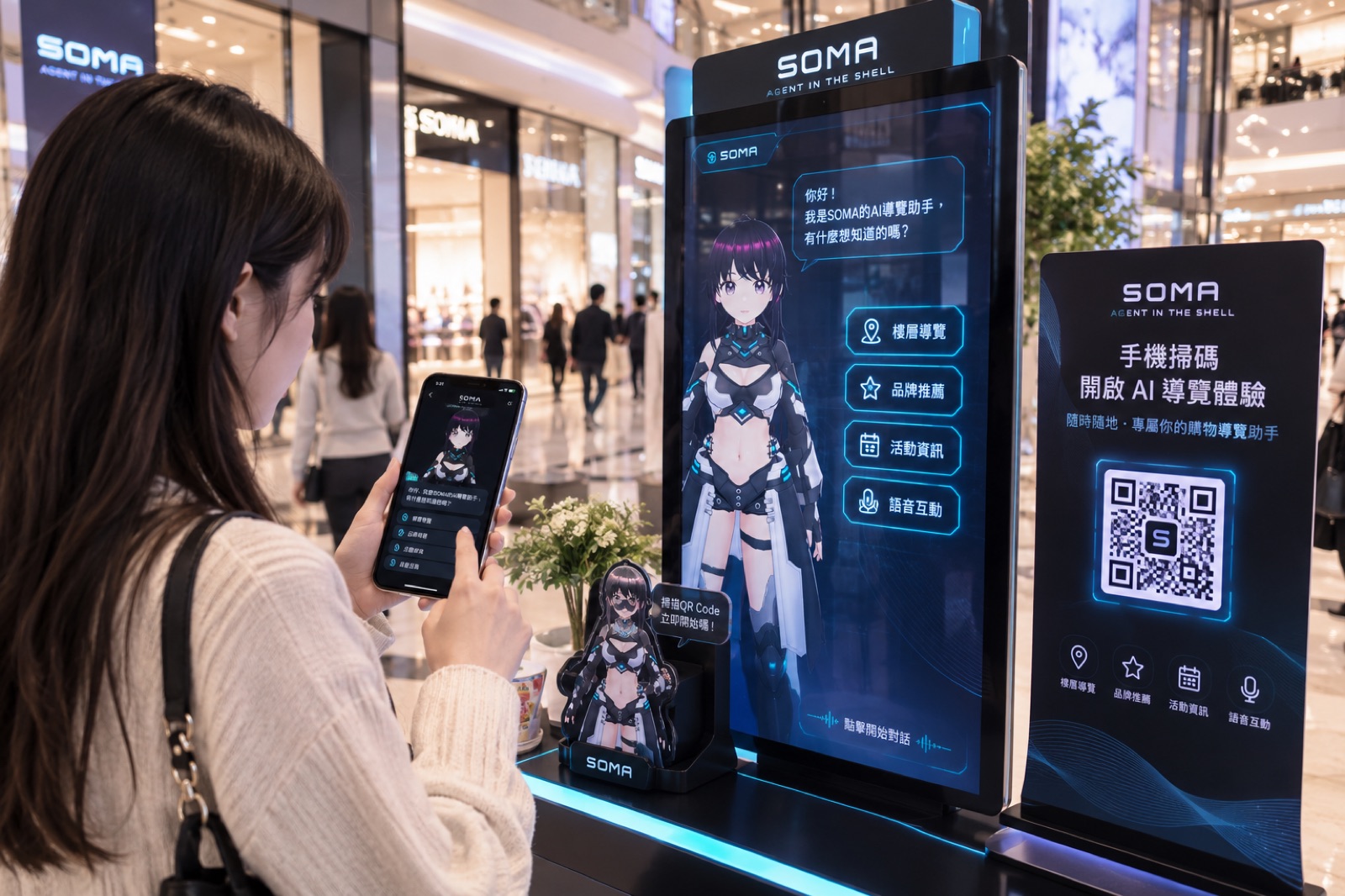
Illustrative scenes. Actual hardware, characters and screens depend on the plan and venue setup; the phone QR guide, queue information and figurine shown are future ideas, not part of the standard plan.
Getting started
Welcoming guests 10 business days after signing
Knowledge base
We turn your website into 50–100 Q&As, then add the questions your front desk hears most.
Character and look
Pick a character, apply your brand colors and background, set the voice for each language.
Internal trial
Your staff ask 50 questions; we tune until common questions are answered correctly at least 90% of the time.
Installation
On-site setup, screen connection, 30 minutes of training, sign-off, and you're live.
Plans
Hardware depends on the spot; software depends on the crowd
Choose them separately to fit your space and foot traffic. Several kiosks in one venue share a single software plan.
Hardware: four setups, rent or buy
- iPad only Counters, small shops
- iPad + 43" screen Beside the counter, small venues
- iPad + 55" screen Lobbies, main entrances
- iPad + 65" screen Mall atriums, attractions, exhibitions
Software: five plans by monthly interactions
- Lite, Starter A few dozen questions a day
- Standard A hundred or more a day
- Advanced, Flagship Hundreds a day, or several kiosks sharing
- Start one level lower and adjust with real data after launch
We quote for your space, traffic and number of kiosks. Short-term rental is available for exhibitions and pop-ups.
What you'll need
Four things, no IT staff required
- Your website, plus the questions your front desk hears most
- Current price list and events
- Logo, brand colors and one photo of the venue
- A spot, a power outlet and Wi-Fi
See it answer from your own website
We'll read your website first, bring an iPad to your venue, and let her answer the questions your guests ask most — then quote for your space. The demo is free and takes about 15 minutes.
Book a demo by email[email protected]|Please include your venue name, website and a convenient time